
TL;DR — Trades book appointments three ways: manual phone tag, an online booking widget, or an AI appointment setter that answers the phone or a text and books directly. Manual costs nothing in software but leaks jobs to whoever calls back first. A widget is cheap but only works if the lead is already on your site. An AI appointment setter costs $299–$497/month, works on every channel a lead comes in from, and is the only one of the three that also fixes no-shows with automatic confirmations and reminders.
What "Appointment Booking for Trades" Actually Means
It covers HVAC, plumbing, electrical, roofing, and general contracting alike, and it spans a wide range of setups — a CSR working a paper calendar and a landline, a booking widget bolted onto your website, or an AI system that checks your real availability and confirms a slot without a human touching it. All three get a job "booked." Only some of them get it booked before the homeowner calls the next name on their list.
That distinction matters more than it sounds like it should. Our speed to lead for contractors breakdown covers why response time decides who wins the job in the first place — booking is what happens right after that first contact, and it can undo all the speed you just gained if it's slow or clunky.
Why Manual Booking Costs Trades Jobs
A lead calls in. Your CSR is on another line, or you're the CSR and you're under a unit. The lead goes to voicemail, or gets a "we'll call you back" — and by the time anyone circles back, the homeowner has already booked with whichever company picked up. This isn't a hypothetical; it's the default outcome any time booking depends on a person being available at the exact moment a lead reaches out.
The fix isn't hiring more phone staff — most trades businesses can't justify a second CSR for coverage gaps that only show up during peak hours. It's removing the dependency on a human being available at that exact moment, which is exactly what an automated lead response system is built to do.
The Three Ways Trades Book Appointments, Compared
1. Manual / phone-based booking
A person answers the phone (or calls back), checks a calendar or whiteboard, and pencils in the job. Zero software cost, but it only works when someone's actually free to answer — nights, weekends, and mid-job calls all fall through.
2. Online booking widget
A Calendly-style link on your website lets a visitor pick an open slot themselves. Cheap — usually $20–$60/month — and works around the clock, but only for leads who are already on your site and comfortable self-serving. It does nothing for the caller, the missed call, or the Facebook message.
3. AI appointment setter
Answers the call or the text itself, asks a couple of qualifying questions, checks your real calendar, and books the confirmed slot on the spot — then sends the confirmation and, later, the reminder. Costs more than a widget, but it's active on every channel a lead actually comes in from, not just the ones where the lead does the work.
| What It Does | Manual / Phone | Booking Widget | AI Appointment Setter |
|---|---|---|---|
| Books without a human present | No | Only if the lead self-serves | Yes — calls and texts included |
| Works after hours | No | Yes | Yes |
| Checks real-time availability | Depends on the person | Yes | Yes |
| Sends automatic reminders | Rarely | Usually | Yes |
| Handles an inbound call or missed call | Only if answered live | No | Yes |
| Typical cost | $0 software / staff time | $20–$60/month | $299–$497/month |
What Actually Reduces No-Shows
A booked slot isn't the same as a slot that gets kept. No-shows and last-minute cancellations quietly eat into revenue the same way missed calls do — the truck rolls, the tech's time is spent, and nobody's home. The fixes that actually move the needle are simple, and none of them require a bigger ad budget:
- An immediate confirmation. A text or email the moment the slot is booked, not a follow-up hours later, cuts the number of customers who forget they ever scheduled.
- A reminder 24 hours out. Sent automatically, not manually — which is the whole reason this has to be built into the booking system rather than left to whoever remembers.
- A one-tap reschedule link. Customers who can't make it will cancel entirely if rescheduling means a phone call. Give them a link and they'll move the appointment instead of skipping it.
- A deposit or card-on-file for high-ticket jobs. For estimates and installs worth thousands, a small hold changes the math on whether it's worth no-showing.
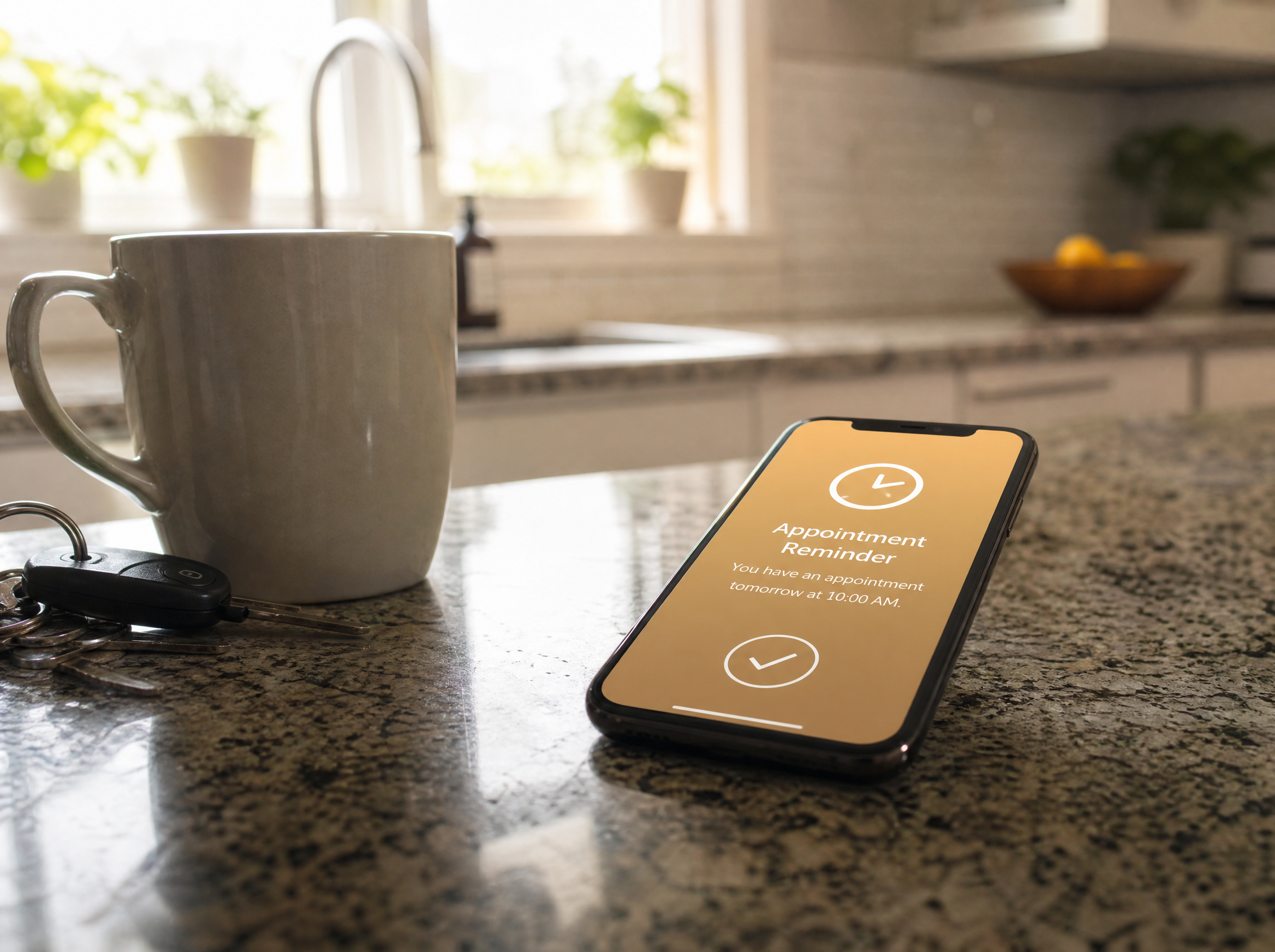
AI Appointment Setter for HVAC (and Other Trades)
An ai appointment setter for hvac is the same underlying system as one built for plumbing or electrical — it answers the call, asks a few trade-specific questions, checks the real calendar, and books the confirmed slot before the call ends. What changes is the configuration: an HVAC setter needs to triage a no-heat emergency differently than a routine tune-up request, while a roofing setter needs to ask about storm damage and insurance involvement instead.
The reason this beats a booking widget isn't sophistication — it's coverage. A widget waits for the lead to come to it. An appointment setter goes to the lead, on the phone, by text, or after a missed call, the same way our HVAC phone answering service and outbound voice agent for contractors both do for inbound calls and callback attempts.

HVAC Appointment Scheduling Software vs. General Booking Tools
Searches for hvac appointment scheduling software usually lead to one of two very different products. General-purpose booking tools (Calendly and similar) handle the calendar part well but know nothing about your trade — no per-technician routing, no service-area check, no job-duration logic by service type. Trade-specific scheduling platforms add dispatch, routing, and technician assignment on top of the calendar, which matters once you're running more than one truck.
An AI appointment setter sits on top of either one — it doesn't replace your scheduling backend, it's the layer that actually talks to the lead and puts the booking into it. The decision isn't "widget vs. AI," it's whether your backend needs dispatch logic at all yet, and whether anything is answering the phone before a booking can happen in the first place.
Questions to Ask Before You Buy
- "Does it book from a phone call, a text, and a missed call — or only from my website?" A tool that only handles web visitors is a widget, not a full booking system.
- "Does it check my real calendar, or a static availability window I have to update manually?" Static windows drift out of date within weeks and start causing double-bookings.
- "Can it route to the right technician if I run more than one truck?" Confirm this explicitly if you have more than one crew — plenty of tools assume a single shared calendar.
- "What reminder and reschedule flow is built in?" If the answer is "none" or "you'd have to add that separately," no-shows stay your problem to solve.
- "What happens if the caller isn't ready to book — do I get a lead at all, or nothing?" A good system still captures the contact and follow-up context even when the call doesn't end in a confirmed slot.
For the numbers behind why response speed decides who gets the booking in the first place, see what should happen in the first 60 seconds after a lead comes in — booking is the last step in that sequence, and it only works if everything before it happened fast enough to still have a lead to book.
Frequently Asked Questions
What's the difference between appointment booking and a contractor booking system?
Appointment booking is the general category — anything that gets a job onto your calendar. A contractor booking system usually means software built specifically for trades: it accounts for service areas, job duration by type, and, in the better ones, which technician or truck is actually free — not just a shared calendar link anyone can grab a slot on.
Is an AI appointment setter for HVAC different from one built for other trades?
Not structurally. The underlying system — check the calendar, ask a few qualifying questions, book the slot, send a confirmation — is the same. What changes is the configuration: HVAC needs urgency triage for no-heat and no-cool calls, electrical needs different safety-related questions, roofing needs storm-damage intake. A good AI appointment setter gets reconfigured per trade, not rebuilt from scratch.
How much do no-shows actually cost a trades business?
It scales with ticket size, but the mechanics are the same everywhere: a blocked slot that doesn't get filled is a day's revenue gone, plus the drive time and fuel already spent if a tech was dispatched. At a $300–$500 average ticket, a handful of no-shows a month adds up fast — and most of it is fixable with a confirmation step and a reminder, not a bigger ad budget.
Do I need a CRM to use appointment booking software?
Not to get started — most booking tools work standalone. But without a CRM connection, someone on your team ends up manually copying job details out of the booking tool and into wherever you actually track customers, which erases a lot of the time savings. If you already run a CRM, confirm the booking system pushes to it directly instead of just logging a calendar event.
Can appointment booking systems handle multiple technicians or trucks?
The better ones can — checking availability per technician or crew, not one shared calendar for the whole business. This matters most once you're running more than one truck; a single shared calendar with no per-tech logic will double-book slots or ignore who's actually free that day.
What's the real cost difference between a booking widget and an AI appointment setter?
A booking widget runs $20–$60/month and only works if the customer is already on your website and fills it out themselves. An AI appointment setter costs more — $299–$497/month — but also answers the phone, texts back missed calls, and books the slot without the customer ever having to find your site. The price gap is mostly the difference between "available if someone finds it" and "active on every channel a lead actually comes in from."
Want to See Your Own Calendar Fill In Automatically?
Tell us your trade and call volume, and we'll show you exactly how a real booking flows from missed call to confirmed slot — not a demo script.